.png)
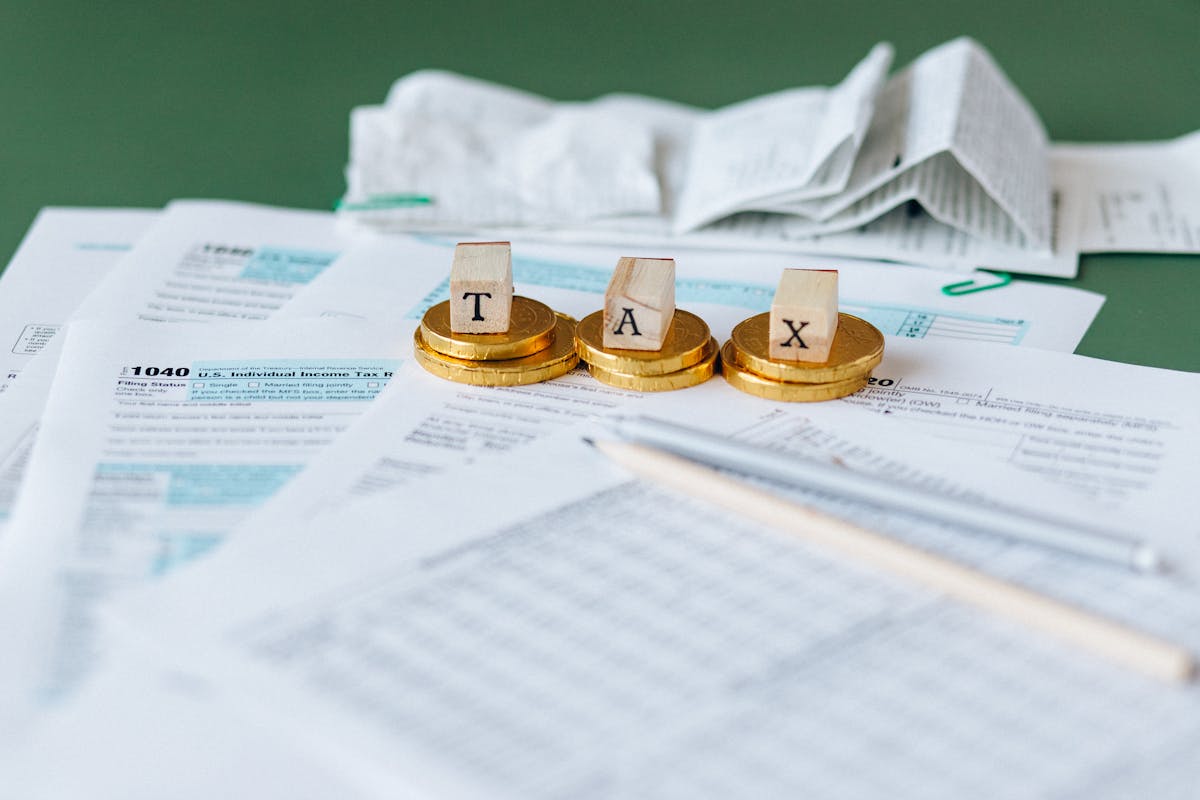
Tax season is the Super Bowl for CPA firms. Your technology needs to perform flawlessly when the pressure is highest. One system failure during tax season can cost you thousands in lost revenue and client relationships.
This checklist has been developed from years of supporting CPA firms through tax season. Follow every item, and you'll avoid the technology disasters that plague unprepared firms.
Pre-Tax Season Technology Audit
1. Test All Tax Software
- Update to the latest version of QuickBooks, Drake, Lacerte, ProSeries, etc.
- Test printing capabilities with sample returns
- Verify e-filing connections are working
- Check integration between different software packages
- Test backup and restore procedures
2. Backup System Verification
- Test full system restore from backup
- Verify backups are running automatically
- Ensure backups are stored off-site or in the cloud
- Document backup and restore procedures
- Train staff on emergency restore procedures
3. Network and Internet Reliability
- Test internet speed and stability
- Set up redundant internet connections if possible
- Verify Wi-Fi coverage throughout the office
- Test VPN connections for remote work
- Check firewall and security settings
Hardware and Infrastructure
4. Computer Performance Optimization
- Run disk cleanup and defragmentation
- Check available hard drive space (minimum 20% free)
- Update all software and operating systems
- Test computer startup and shutdown times
- Clean dust from computer vents and fans
5. Printer and Scanner Setup
- Test all printers with tax forms
- Stock up on toner and paper
- Clean scanner glass and test document scanning
- Verify network printer connections
- Set up backup printing options
6. Phone System Preparation
- Test all phone lines and extensions
- Update voicemail greetings for tax season
- Set up call forwarding for remote work
- Test conference calling capabilities
- Ensure adequate phone line capacity
Security and Compliance
7. Security System Review
- Update antivirus software and run full system scans
- Review and update user access permissions
- Enable multi-factor authentication on all accounts
- Test security monitoring and alert systems
- Review and update incident response procedures
8. Data Protection Measures
- Encrypt all devices that store client data
- Secure physical access to servers and computers
- Review data retention and destruction policies
- Update privacy notices and client agreements
- Train staff on data protection procedures
Staff Preparation and Training
9. Software Training Refresher
- Review new features in updated tax software
- Practice common tax preparation workflows
- Train on keyboard shortcuts and time-saving features
- Review error checking and quality control procedures
- Practice e-filing and client communication procedures
10. Emergency Procedures Training
- Review what to do if systems go down
- Practice backup and restore procedures
- Train on manual backup processes
- Review emergency contact information
- Practice working from backup locations
Client Communication Systems
11. Client Portal Setup
- Test client portal functionality
- Update portal with current tax year information
- Send portal access instructions to clients
- Test document upload and download features
- Verify secure messaging capabilities
12. Email System Optimization
- Clean up email inboxes and archive old messages
- Set up email templates for common responses
- Configure email encryption for sensitive communications
- Test email backup and recovery procedures
- Set up out-of-office messages for busy periods
Final Preparations
13. Emergency Support Contacts
- Update IT support contact information
- Verify 24/7 support availability during tax season
- Test emergency support response times
- Document escalation procedures for critical issues
- Ensure all staff know who to call for help
14. Capacity Planning
- Estimate peak workload and system requirements
- Plan for additional temporary staff technology needs
- Ensure adequate licensing for all software
- Plan for increased data storage requirements
- Consider cloud scaling options for peak periods
15. Final System Test
- Run a complete end-to-end test of your tax preparation workflow
- Test all integrations between different systems
- Verify all staff can access necessary systems and data
- Test remote work capabilities
- Document any remaining issues and resolution plans
Don't Wait Until January
The biggest mistake CPA firms make is waiting until tax season starts to address technology issues. By then, it's too late. IT vendors are swamped, replacement parts take longer to arrive, and you're trying to fix problems while under maximum pressure.
Start this checklist in November. Give yourself time to address any issues that come up. Your future self (and your clients) will thank you when everything runs smoothly during the busiest time of year.
Need help with any of these items? Don't wait until tax season to get support. Schedule a technology assessment now to ensure your systems are ready for the demands ahead.